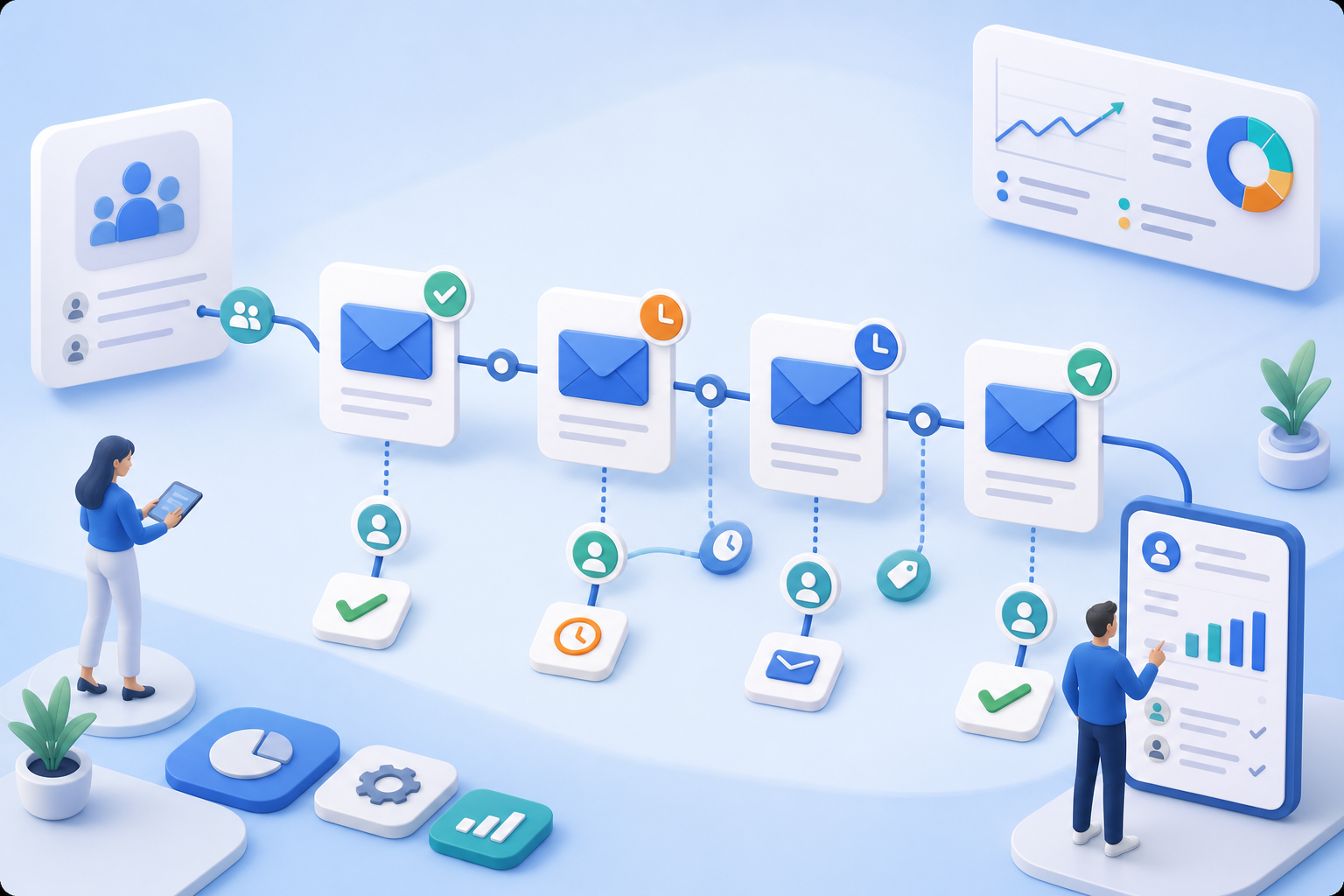
Don't Leave Mandatory Communication to Day-to-Day Operations
Booking confirmations, invoices, reminders, and status emails are sent automatically. This reduces errors and ensures that important information is received on time.
Administration & Organization
Course Manager CRM Participants Task Planner ResourcesMarketing & Growth
Promotions Manager Email Automation Website Integration Global Reach (AI)Finance & Controlling
Payment Hub Billing Billing and Collections ReportingTechnology & Security
REST API V2 Webhooks design manager Integrate Tools Security Plan Privacy PolicyIndustries
Educational ProvidersAssociations & OrganizationsEvent & Activity ProvidersCorporate TrainingAcademies & InstitutionsMore
News Prices Courses Documentation for the current version of edooboxedoobox automates confirmations, reminders, invoices, waiting list notifications, and follow-ups. With templates, placeholders, and conditions, communication remains reliable, personalized, and closely aligned with the booking process.

Booking confirmations, invoices, reminders, and status emails are sent automatically. This reduces errors and ensures that important information is received on time.
Placeholders, conditions, and repetition logic make it possible to create content that doesn't sound like a mass email. Information can vary depending on the offer, language, participant data, or booking status.
Booking confirmations, invoices, reminders, and status emails are sent automatically. This reduces errors and ensures that important information is received on time.
Placeholders, conditions, and repetition logic make it possible to create content that doesn't sound like a mass email. Information can vary depending on the offer, language, participant data, or booking status.
Registration information, invoices, confirmations, and other documents can be linked to email templates. This ensures that communication remains complete and traceable.
SMTP, Mailjet, or Microsoft 365 ensure that automated communication doesn't feel like a foreign system, but rather fits seamlessly into your organization.
With email automation, confirmations, reminders, and follow-ups reach your participants at just the right time. This ensures that communication remains reliable and consistent, and significantly reduces the workload on your back office.
Yes. System templates and custom templates can be customized and enhanced with placeholders, conditions, and attachments.
Yes. Email tasks can be scheduled before or after appointments, for example, for reminders or follow-ups.
Yes. Depending on the setup, email delivery methods such as SMTP, Mailjet, or Microsoft 365 can be integrated.
Yes. Communication can be structured based on language, tailored to the system languages in use and the participants' profiles.
Create your free edoobox trial account. Afterward, we'll work with you during a personalized online introduction to set up your first course offering.