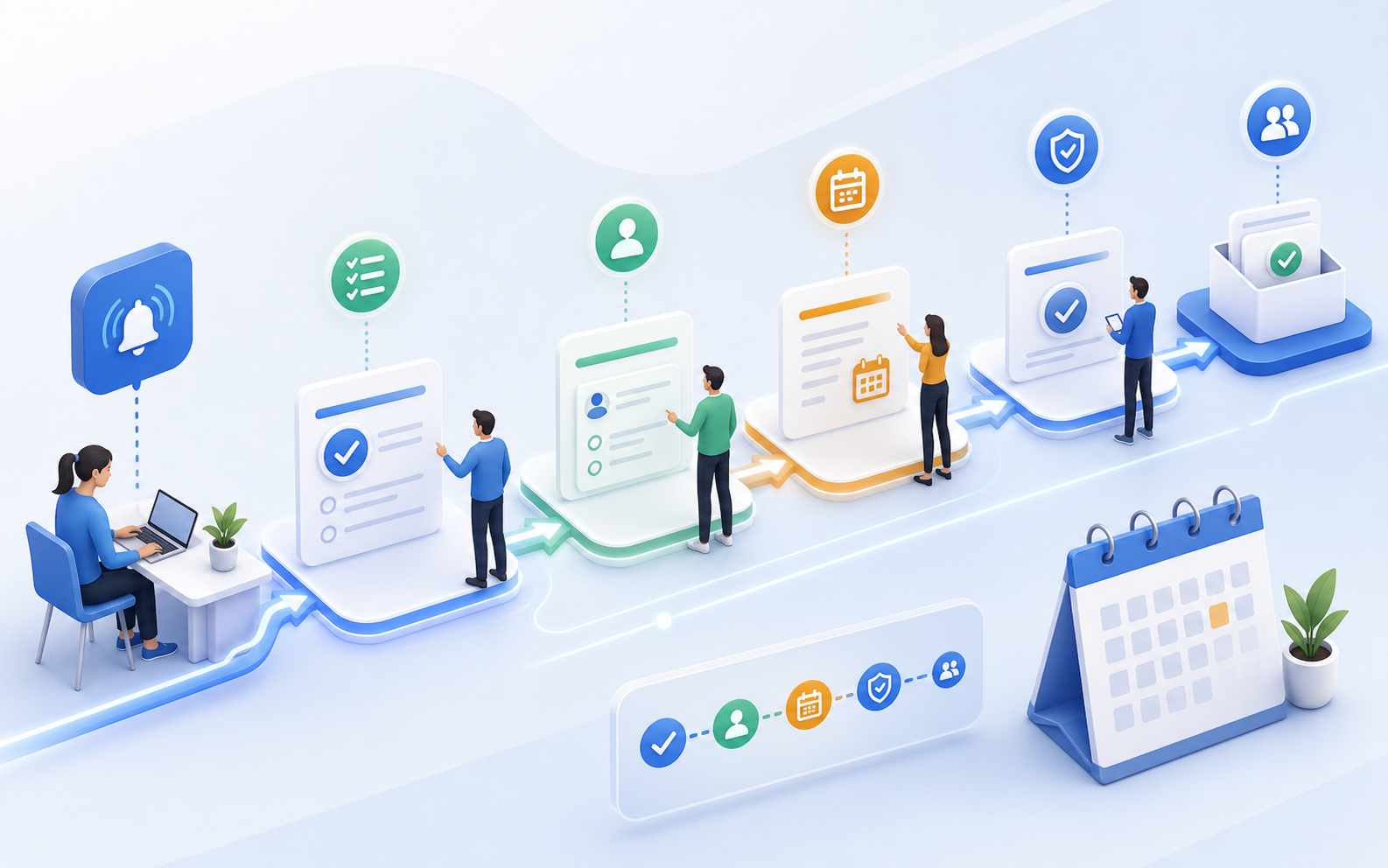
Plan assignments so that nothing is left undone before or after the course
The task planner aligns internal to-dos, approvals, and time-sensitive communication more closely with proposals, deadlines, and execution. Your team doesn't rely on scattered reminders—instead, they work with tasks in the right context.
PreparationRecurring steps are planned rather than improvised.
ImplementationSpeakers and participants receive information at the right time.
Follow-upFollow-ups, tasks, and final communication remain part of the process.
Preparation
Trigger recurring steps reliably before the due date
Check the room, prepare documents, notify speakers, or send reminders to participants: Tasks can be linked to the schedule instead of having to be planned from scratch in your head or calendar each time.
Communication
Schedule news at the right time
Emails can be scheduled before or after an appointment. This makes reminders, follow-ups, and organizational notes more predictable and less dependent on manual oversight.
Core Areas
Keep Tasks, Approvals, and Workflows Under Control
Preparation
Trigger recurring steps reliably before the due date
Check the room, prepare documents, notify speakers, or send reminders to participants: Tasks can be linked to the schedule instead of having to be planned from scratch in your head or calendar each time.
Communication
Schedule news at the right time
Emails can be scheduled before or after an appointment. This makes reminders, follow-ups, and organizational notes more predictable and less dependent on manual oversight.
Responsibility
Making Internal Handoffs Traceable
Approvals, operational tasks, and responsibilities are kept closely aligned with the service offering. This is particularly helpful when multiple people are involved in planning, execution, and follow-up.
Locations
Differentiate processes by location or format
In-person classes, online sessions, and hybrid formats require different instructions. The assignment planner supports these differences directly within the operational workflow.
In everyday work life
Plan tasks clearly before anything gets left undone.
The task planner brings structure to recurring processes. Preparation, execution, and follow-up remain clearly organized so that teams can reliably complete tasks and ensure nothing is overlooked.
Preparation Recurring steps are planned rather than improvised. Implementation Speakers and participants receive information at the right time. Follow-up Follow-ups, tasks, and final communication remain part of the process.
Tasks become tangible before they get lost in the daily grind.
Plan tasks and internal steps directly within the context of a quote or appointment.
Schedule emails to be sent before or after appointments.
Map out preparation, implementation, and follow-up as repeatable processes.
Display location- or format-specific information in a differentiated manner.
Make approvals and responsibilities within the team more transparent.
Reduce the number of manual reminders in your calendar or inbox.
Proof
Where Teams Immediately Feel the Relief
PreparationRecurring steps are planned rather than improvised.ImplementationSpeakers and participants receive information at the right time.Follow-upFollow-ups, tasks, and final communications remain part of the process.
Frequently Asked Questions
Questions About the Task Planner
Can I schedule emails before or after an appointment?
Yes. Scheduled email tasks can be set up around specific dates, such as for reminders, organizational notes, or follow-ups.
Is the task planner intended only for internal to-dos?
No. It helps with both internal tasks and communication related to appointments, locations, or booking processes.
Can I map different workflows for each format?
Yes. Tasks and notes can be used in different ways depending on the offer, scheduling logic, or implementation method.
Why is this better than an external calendar?
Because tasks arise where the offer, the appointment, the booking, and the participants are all located. This reduces context switching.