Start processes immediately when an event occurs
New booking, status change, or relevant update: Webhooks help trigger follow-up processes sooner.
Administration & Organization
Course Manager CRM Participants Task Planner ResourcesMarketing & Growth
Promotions Manager Email Automation Website Integration Global Reach (AI)Finance & Controlling
Payment Hub Billing Billing and Collections ReportingTechnology & Security
REST API V2 Webhooks design manager Integrate Tools Security Plan Privacy PolicyIndustries
Educational ProvidersAssociations & OrganizationsEvent & Activity ProvidersCorporate TrainingAcademies & InstitutionsMore
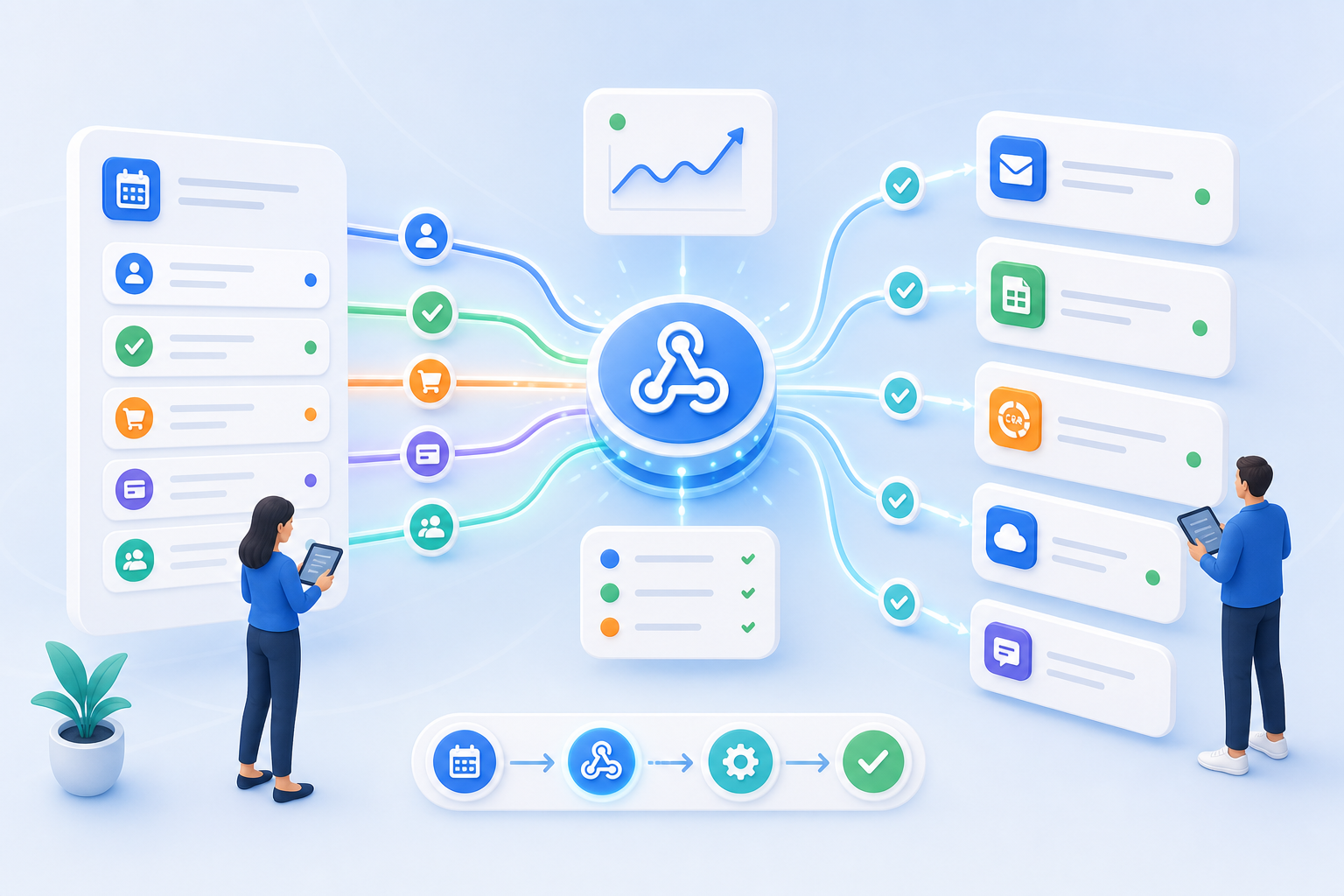
News Prices Courses Documentation for the current version of edooboxWebhooks forward events from edoobox to external processes. This allows CRM systems, automation platforms, internal systems, or specialized workflows to respond more quickly to bookings, changes, and status updates.

New booking, status change, or relevant update: Webhooks help trigger follow-up processes sooner.
Information does not have to be copied, reported, or searched for in other systems. This saves time and reduces the risk of errors.
New booking, status change, or relevant update: Webhooks help trigger follow-up processes sooner.
Information does not have to be copied, reported, or searched for in other systems. This saves time and reduces the risk of errors.
Webhooks are often the most practical way to handle event responses. They complement APIs and standard integrations in situations where a single signal is sufficient.
Event-driven processes remain easier to understand when it is clear which action triggers which signal.
Using webhooks, edoobox automatically forwards important booking events to other systems. Teams can respond more quickly to changes, eliminate the need for manual data entry, and keep processes up to date without the need for complex integration.
If external systems are to respond to events in edoobox, such as entries, changes, or status signals.
No. Webhooks deliver events. The API is suitable for targeted data access and more complex integrations.
The implementation is technical, but the benefits are operational: faster responses, fewer manual hand-offs, and clearer processes.
Yes. Webhooks can integrate with APIs, Zapier, or internal systems.
Create your free edoobox trial account. Afterward, we'll work with you during a personalized online introduction to set up your first course offering.