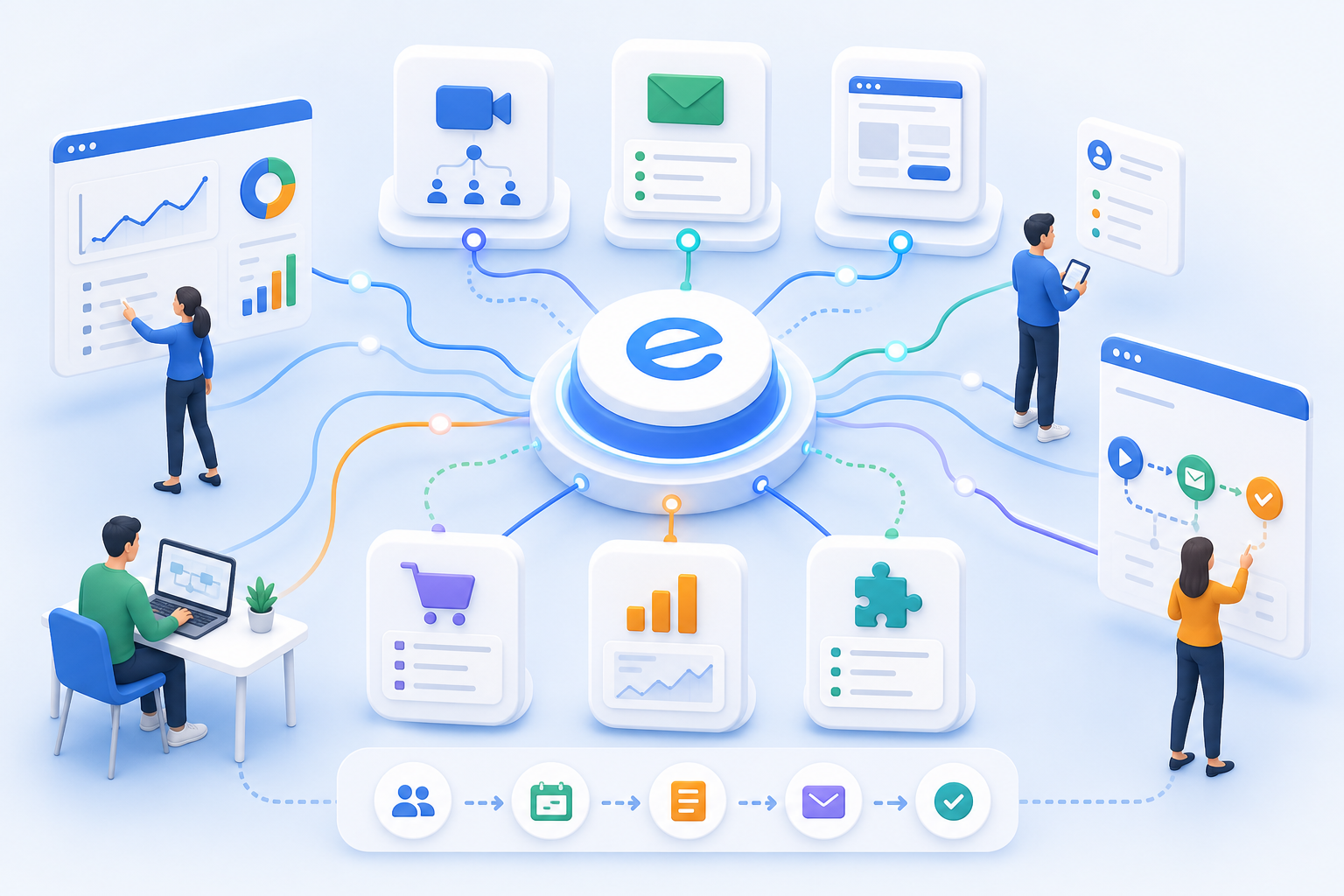
Continue to use existing tools
Teams doesn't need to replace every platform. edoobox can be integrated wherever course registration, communication, marketing, or collaboration already take place.
Administration & Organization
Course Manager CRM Participants Task Planner ResourcesMarketing & Growth
Promotions Manager Email Automation Website Integration Global Reach (AI)Finance & Controlling
Payment Hub Billing Billing and Collections ReportingTechnology & Security
REST API V2 Webhooks design manager Integrate Tools Security Plan Privacy PolicyIndustries
Educational ProvidersAssociations & OrganizationsEvent & Activity ProvidersCorporate TrainingAcademies & InstitutionsMore
News Prices Courses Documentation for the current version of edooboxDirect integrations, website connections, video tools, newsletter systems, tracking, and automation platforms ensure that edoobox becomes part of your system landscape—not just an isolated add-on tool.

Teams doesn't need to replace every platform. edoobox can be integrated wherever course registration, communication, marketing, or collaboration already take place.
Integrations reduce the need for manual data transfers between booking platforms, newsletters, video conferencing tools, websites, and tracking systems.
Teams doesn't need to replace every platform. edoobox can be integrated wherever course registration, communication, marketing, or collaboration already take place.
Integrations reduce the need for manual data transfers between booking platforms, newsletters, video conferencing tools, websites, and tracking systems.
WordPress, Mailchimp, Google Tag Manager, and Analytics help better link website and campaign processes to bookings.
Zoom and Microsoft Teams support setups that require online courses, webinars, or hybrid offerings to be organized efficiently.
Integrations allow you to connect edoobox with the tools your team already uses. Booking, marketing, communication, and analytics are brought closer together, so data rarely needs to be transferred manually.
Typical integrations include Zoom, Microsoft Teams, Mailchimp, WordPress, Zapier, Google Tag Manager, and other systems.
No. Many requirements can be addressed through direct integrations, embeds, or Zapier. For specific cases, there are APIs and webhooks.
Yes. Google Tag Manager, Analytics, and newsletter workflows can be part of the integration strategy.
Standard integration is suitable for common scenarios, Zapier for connecting many apps, webhooks for events, and the API for custom data flows.
Create your free edoobox trial account. Afterward, we'll work with you during a personalized online introduction to set up your first course offering.