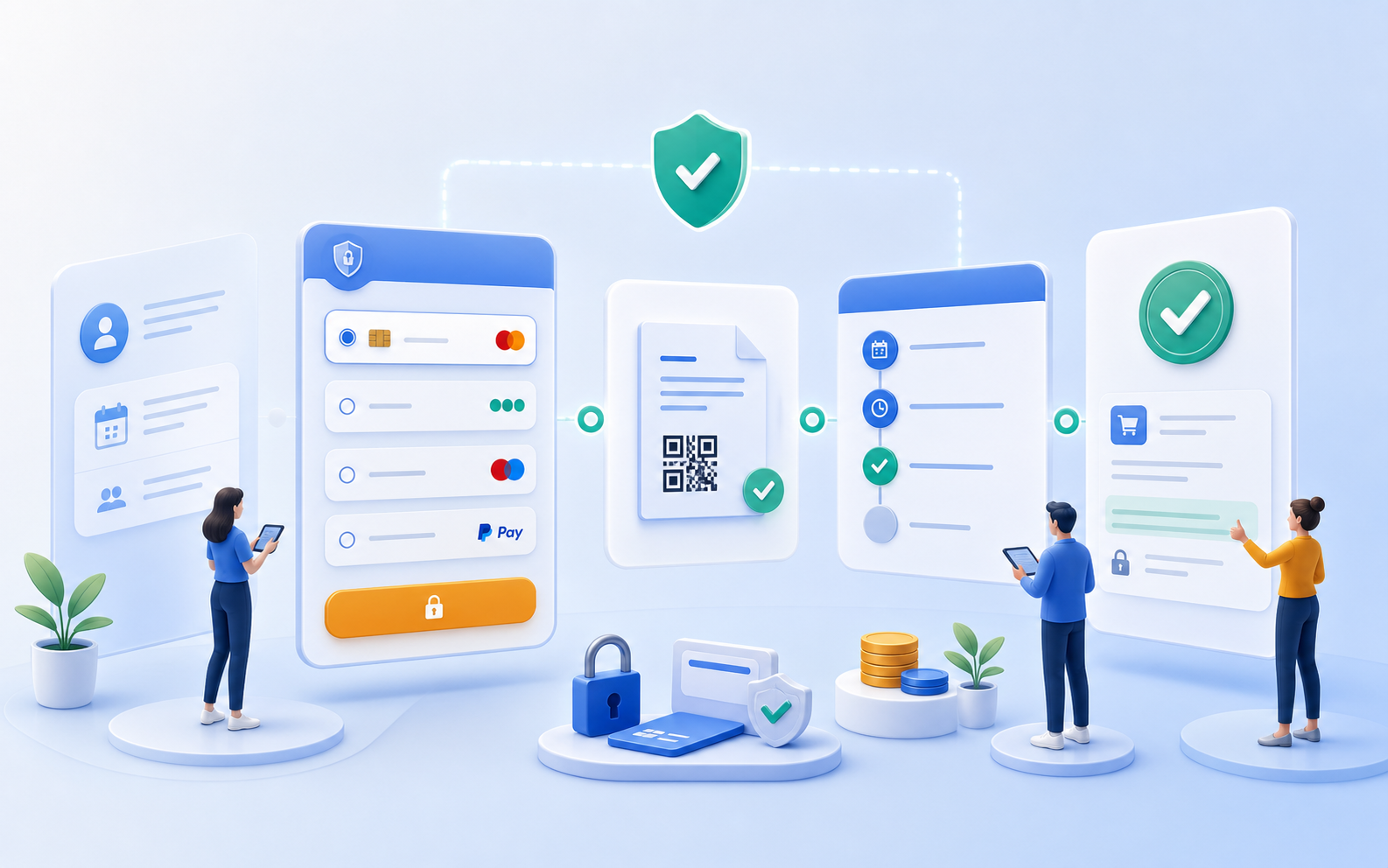
Combining Online and Offline Payments Effectively
Credit card, PayPal, Worldline, invoice, or offline payment can be used depending on the offer and target audience. This ensures that the payment method aligns with the course model.
Administration & Organization
Course Manager CRM Participants Task Planner ResourcesMarketing & Growth
Promotions Manager Email Automation Website Integration Global Reach (AI)Finance & Controlling
Payment Hub Billing Billing and Collections ReportingTechnology & Security
REST API V2 Webhooks design manager Integrate Tools Security Plan Privacy PolicyIndustries
Educational ProvidersAssociations & OrganizationsEvent & Activity ProvidersCorporate TrainingAcademies & InstitutionsMore
News Prices Courses Documentation for the current version of edooboxThe Payment Hub links payment methods, payment statuses, binding payments, and accounting context. Your team can quickly see which payments have been made, which are outstanding, which are offline, and which are binding.

Credit card, PayPal, Worldline, invoice, or offline payment can be used depending on the offer and target audience. This ensures that the payment method aligns with the course model.
If payment is required before participation or to secure a spot, MustPay helps make the transaction more binding.
Credit card, PayPal, Worldline, invoice, or offline payment can be used depending on the offer and target audience. This ensures that the payment method aligns with the course model.
If payment is required before participation or to secure a spot, MustPay helps make the transaction more binding.
Payment information remains visible within the booking context. This reduces the need for follow-up inquiries between administration, finance, and participants.
Payment doesn't end with the provider. edoobox integrates payment with invoices, confirmations, status updates, and operational tracking.
With the Payment Hub, payment methods, statuses, and transaction details are all visible in one place. Your team can quickly see which transactions are complete, where there are still outstanding items, and which options are best for participants.
Depending on the setup, you can use Stripe, PayPal, Worldline, invoice, and offline payment, among other options.
Yes. With MustPay, you can set it up so that a transaction is not finalized until payment is received.
Yes. Payment information is tracked within the booking context and can be linked to invoices, participant records, and reports.
Payment methods can be used in different ways depending on the offer logic and target audience.
Create your free edoobox trial account. Afterward, we'll work with you during a personalized online introduction to set up your first course offering.