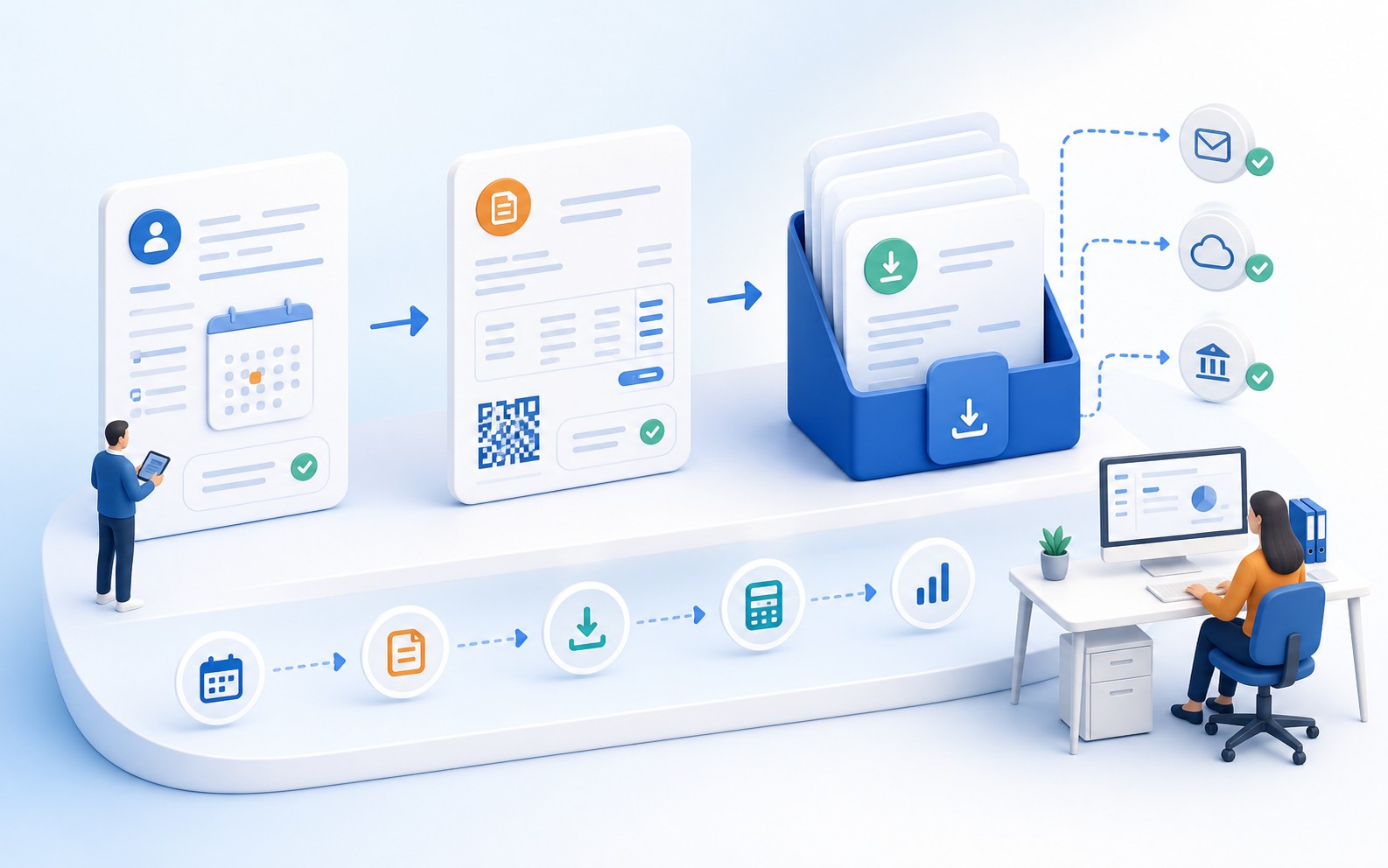
Keep the booking and invoice together
When invoices are generated directly from journal entries, the risk of incorrect addresses, amounts, or allocations is reduced. The administrative and accounting departments work more closely with the same data.
Administration & Organization
Course Manager CRM Participants Task Planner ResourcesMarketing & Growth
Promotions Manager Email Automation Website Integration Global Reach (AI)Finance & Controlling
Payment Hub Billing Billing and Collections ReportingTechnology & Security
REST API V2 Webhooks design manager Integrate Tools Security Plan Privacy PolicyIndustries
Educational ProvidersAssociations & OrganizationsEvent & Activity ProvidersCorporate TrainingAcademies & InstitutionsMore
News Prices Courses Documentation for the current version of edooboxedoobox integrates bookings, participant data, payments, and invoicing. This allows invoices, cancellation invoices, QR invoices, and exports to be generated from the same database rather than from lists that are updated retrospectively.

When invoices are generated directly from journal entries, the risk of incorrect addresses, amounts, or allocations is reduced. The administrative and accounting departments work more closely with the same data.
Financial standards only prove their worth when they work in day-to-day operations. edoobox incorporates this logic into the posting and invoicing process.
When invoices are generated directly from journal entries, the risk of incorrect addresses, amounts, or allocations is reduced. The administrative and accounting departments work more closely with the same data.
Financial standards only prove their worth when they work in day-to-day operations. edoobox incorporates this logic into the posting and invoicing process.
Course operations are dynamic: Cancellations, rescheduling, or corrections require proper documentation rather than ad hoc measures.
Exports and data transfers help provide accounting and controlling departments with reliable data.
The billing process generates invoices directly from existing transaction and participant data. Amounts, addresses, and statuses are maintained throughout the process, so your team can minimize duplicate data entry and ensure financial data is passed on accurately.
Yes. Invoices can be generated in connection with bookings, participant information, and payments.
Yes. QR invoices and the corresponding reference logic can be used in the invoicing process.
Yes. Reversal and adjustment processes can be mapped in a traceable manner.
Yes. Exports and structured data transfers support further processing in financial workflows.
Create your free edoobox trial account. Afterward, we'll work with you during a personalized online introduction to set up your first course offering.