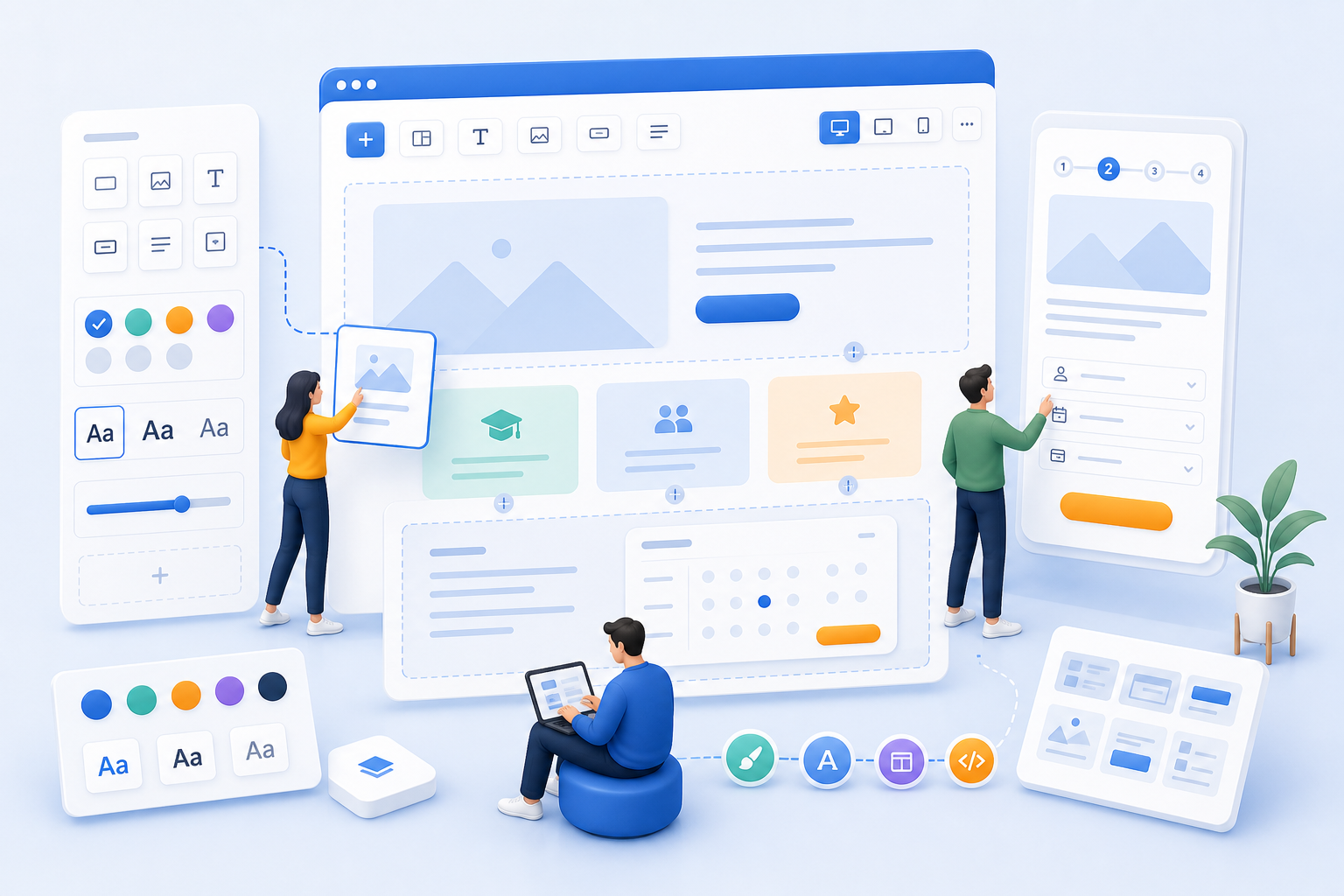
Consciously structure each step of the booking process
The overview, details page, participant form, summary, and conclusion should not appear haphazard. The Design Manager helps you structure the information flow and layout in a targeted manner.
Administration & Organization
Course Manager CRM Participants Task Planner ResourcesMarketing & Growth
Promotions Manager Email Automation Website Integration Global Reach (AI)Finance & Controlling
Payment Hub Billing Billing and Collections ReportingTechnology & Security
REST API V2 Webhooks design manager Integrate Tools Security Plan Privacy PolicyIndustries
Educational ProvidersAssociations & OrganizationsEvent & Activity ProvidersCorporate TrainingAcademies & InstitutionsMore
News Prices Courses Documentation for the current version of edooboxThe Design Manager gives teams control over booking pages, forms, widgets, sequences, and white-label logic. This helps edoobox align more closely with your brand and better fit your offering formats.
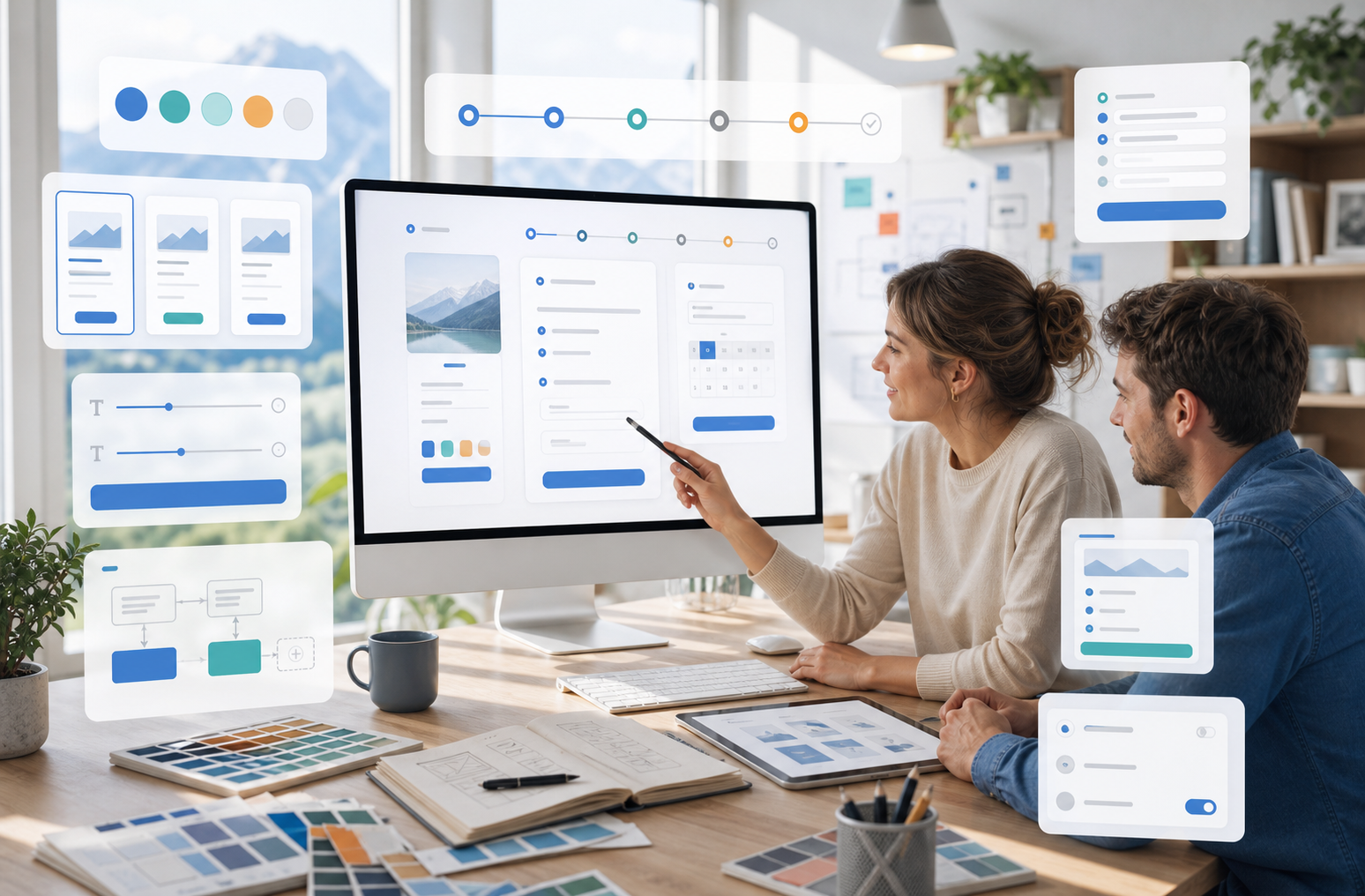
The overview, details page, participant form, summary, and conclusion should not appear haphazard. The Design Manager helps you structure the information flow and layout in a targeted manner.
Participant forms can be tailored to specific processes. This ensures that you don't ask too few questions, too many questions, or the wrong questions.
The overview, details page, participant form, summary, and conclusion should not appear haphazard. The Design Manager helps you structure the information flow and layout in a targeted manner.
Participant forms can be tailored to specific processes. This ensures that you don't ask too few questions, too many questions, or the wrong questions.
Logos, colors, templates, and layout modules make the booking process feel more like part of your own website. This builds trust and reduces system disconnects.
Widgets, text, images, videos, and tag filters help make listings more organized and guide potential customers to the right booking more quickly.
With the Design Manager, you can tailor booking pages, forms, and content to better reflect your brand. This makes the entire booking process feel more familiar, more clearly guided, and more professional for your participants.
No. It also includes booking steps, widgets, forms, content, filters, and white-label logic.
Yes. Multiple designs can be used effectively for different formats or target audiences.
Yes. The fields, order, and form logic can be customized to fit your processes.
Because clear forms, relevant information, and a familiar brand image can reduce drop-offs in the booking process.
Create your free edoobox trial account. Afterward, we'll work with you during a personalized online introduction to set up your first course offering.